

Halo for DaVinci Resolve
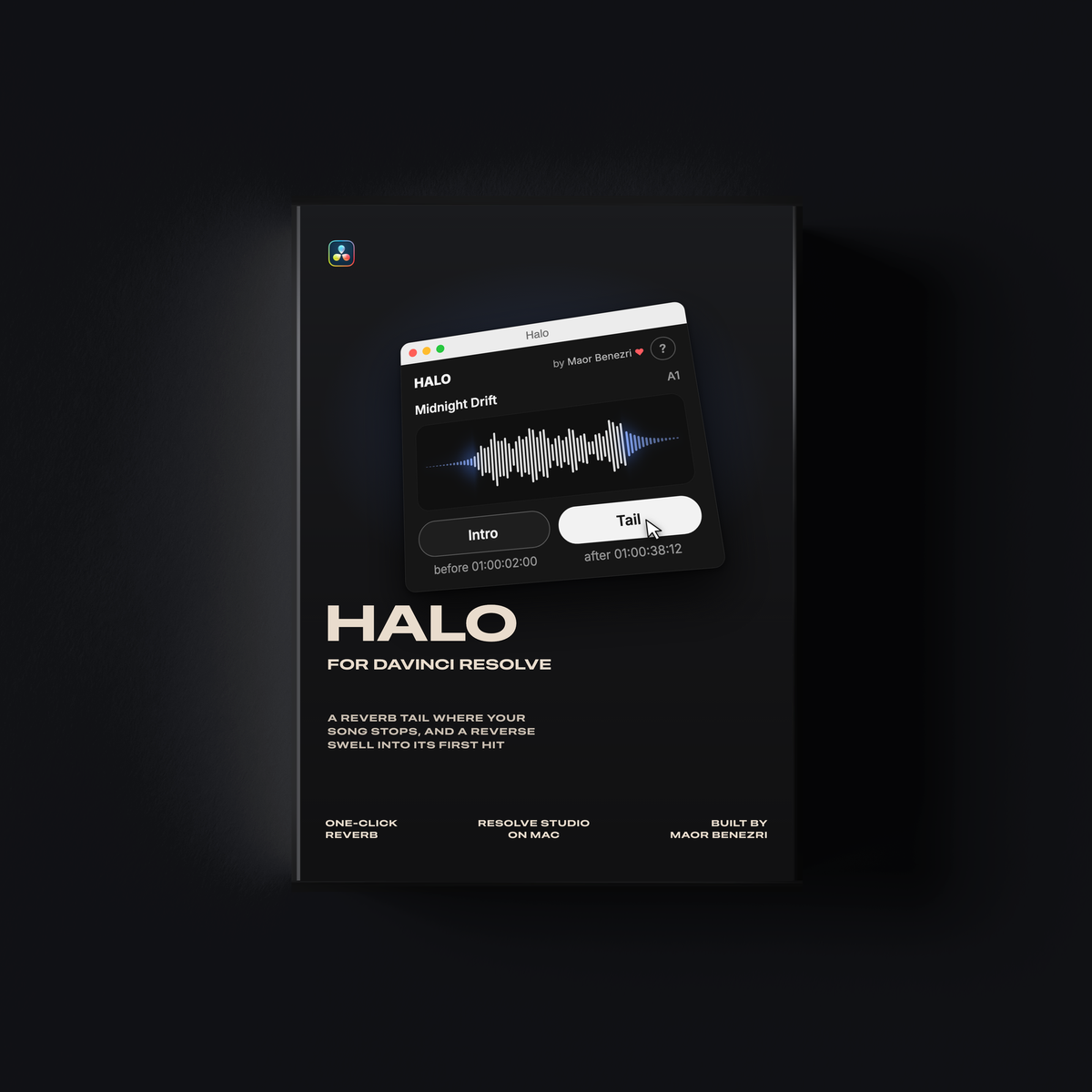
A reverb tail where your song stops, a reverse swell where it starts. One click in DaVinci Resolve.
- Tail: put the playhead where the song should end and click Tail. The song stops there and its own reverb rings out.
- Intro: a reverse swell that lands on the song's first hit.
- See it first: the panel shows the song and its reverb, and follows Length and Reverb as you change them.
One file, nothing to install. DaVinci Resolve Studio on a Mac. Includes a one-page PDF guide.
Pairs well with
Instant Delivery
Creator Support
Instructions included
Halo for DaVinci Resolve
If you have any questions, you are always welcome to contact us. We'll get back to you as soon as possible, within 24 hours on weekdays.
-
Shipping Information
Use this text to answer questions in as much detail as possible for your customers.
-
Customer Support
Use this text to answer questions in as much detail as possible for your customers.
-
FAQ’s
Use this text to answer questions in as much detail as possible for your customers.
-
Contact Us
Use this text to answer questions in as much detail as possible for your customers.