
 Maor BenezriAward-winning cinematic travel filmmaker·DJI ambassador
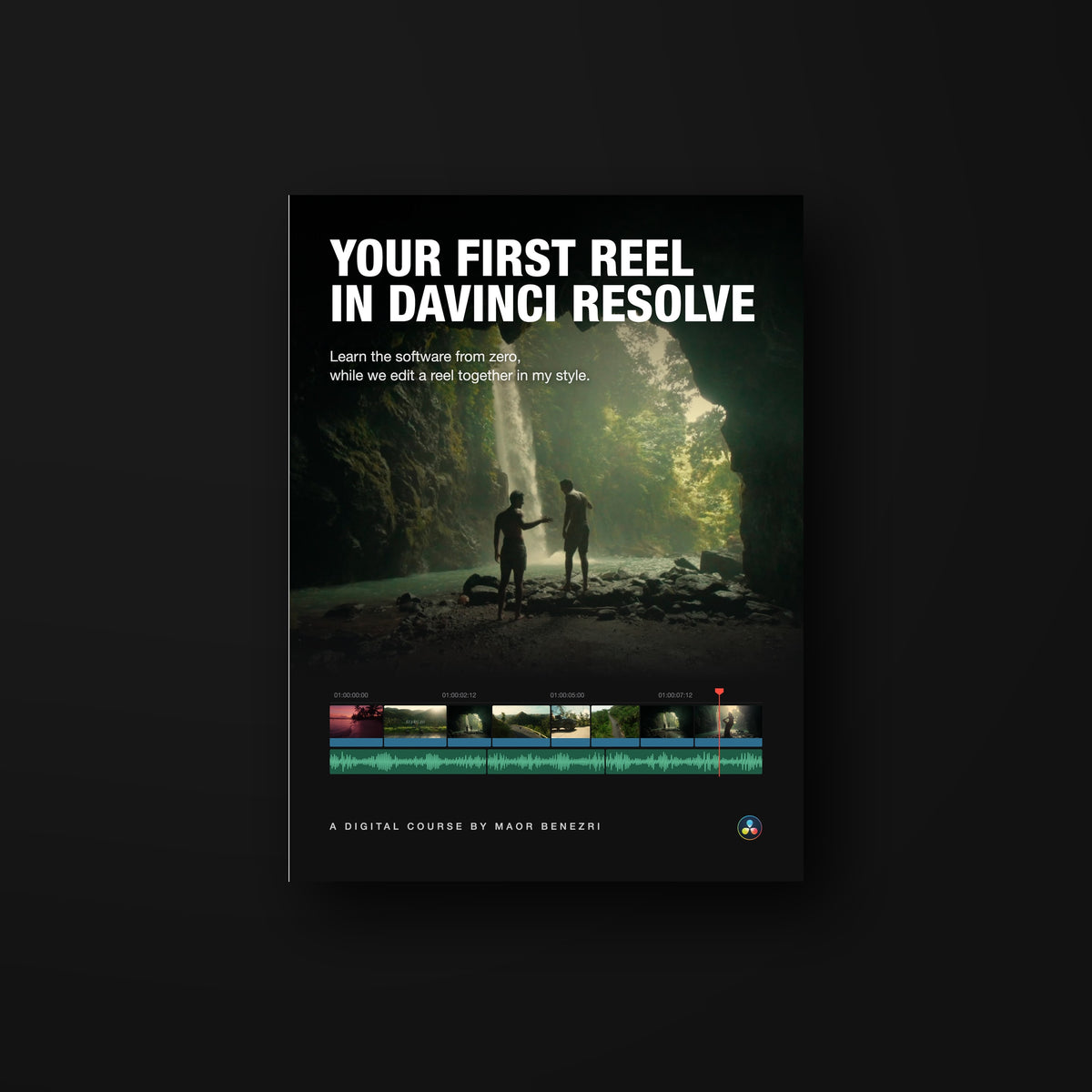
Your First Reel in DaVinci Resolve (Course)
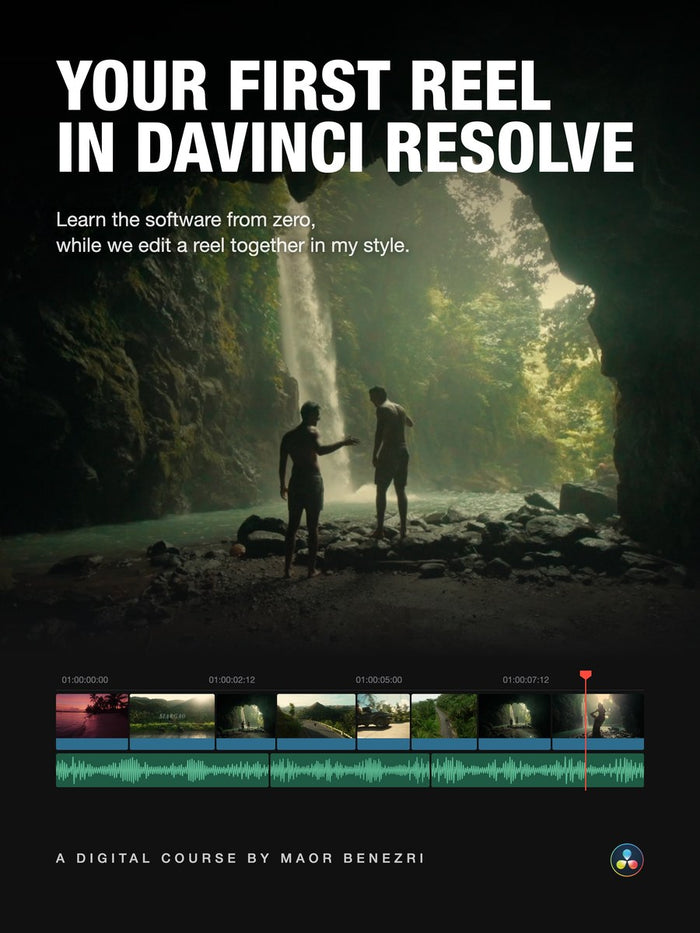
Learn the software from zero, while we edit a reel together in my style.
22 short lessons in English · about 2 hours · no editing experience needed22 lessons in English, about 2 hours, for beginners.We edit my raw footage, and every lesson ends with a task.
My raw footage. A task in every lesson.
Questions before you buy? Message me
Your First Reel in DaVinci Resolve (Course)
This is the reel you'll make.
I shot it in Siargao on a Sony camera and a DJI drone. You download the same raw files and build this exact reel with me, from the first cut to the export.

From flat log to finished.
The same shot, straight from the camera and in the finished reel. We work on color with my footage in the course.


I create cinematic travel films that make people want to be there.
I'm a filmmaker and a DJI ambassador. My cinematic travel content has won competitions around the world, my YouTube films have hundreds of thousands of views, and my reels regularly reach hundreds of thousands more. In this course I open my own DaVinci Resolve and show you how I edit, step by step.
Get the course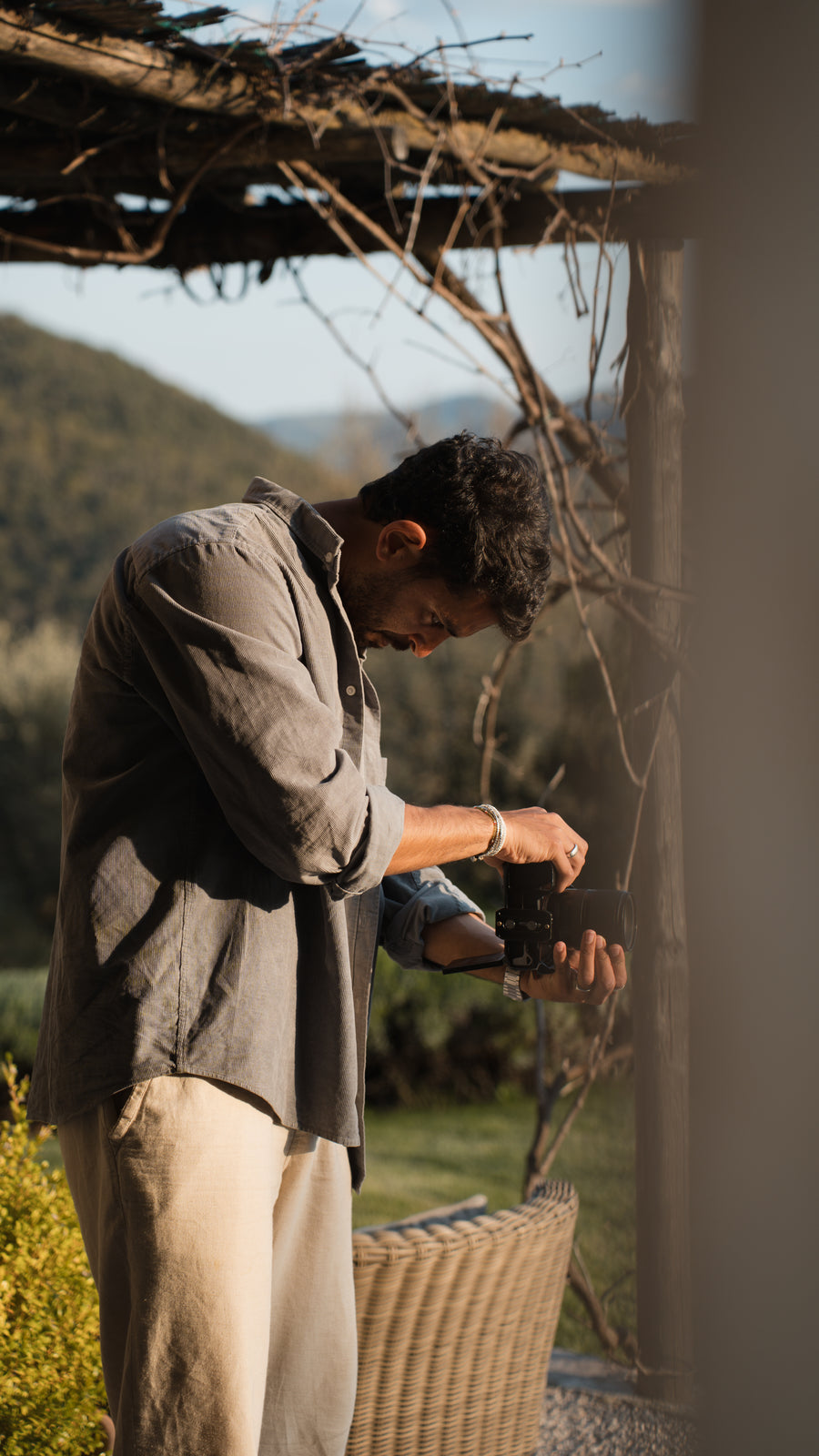
View counts are for the original YouTube films.
Lesson by lesson, shot by shot.
22 short lessons. Each one teaches a part of the software and puts it to work on the reel straight away, so you practice everything you learn. Plus a bonus: my color grading course, 20 more lessons.
Getting started7 lessons
- Welcome to the course and installing Resolve
- Your first project
- Project settings, including the Mac color fix
- The 8 tabs of DaVinci, made simple
- Installing my keyboard shortcuts
- Installing my Essential Motion pack
- Importing your footage
The Edit tab2 lessons
- The Edit tab and your first timeline
- The Inspector
Cutting the reel4 lessons
- Sifting: keeping only the best shots
- Cutting to the beat and match cuts
- Keyframes
- Speed ramps, by hand and in one click
Color2 lessons
- Color correction and the Color tab
- Color grading with LUTs
Finishing7 lessons
- Text and a first taste of Fusion
- My secret effects library
- Compound clips
- Time to spice it up
- Sound design
- Exporting at full quality
- Wrap-up
BonusColor Grading in DaVinci Resolve20 lessons
- Intro to color in Resolve
- The Color tab interface
- Color spaces
- Nodes
- Primaries
- Curves (3 parts)
- Shared nodes
- Key mixer node
- Color Slice
- Masks and tracking (2 parts)
- Magic Mask
- Layer and parallel mixer nodes
- Using LUTs
- Kodak LUTs
- Must-know effects (2 parts)
- Building a base tree
Every cut, on my timeline.
The finished reel on my DaVinci timeline. Tap the timeline to jump to any shot.
From my students.
Messages from my students at Creatorz.
Brands I create content for


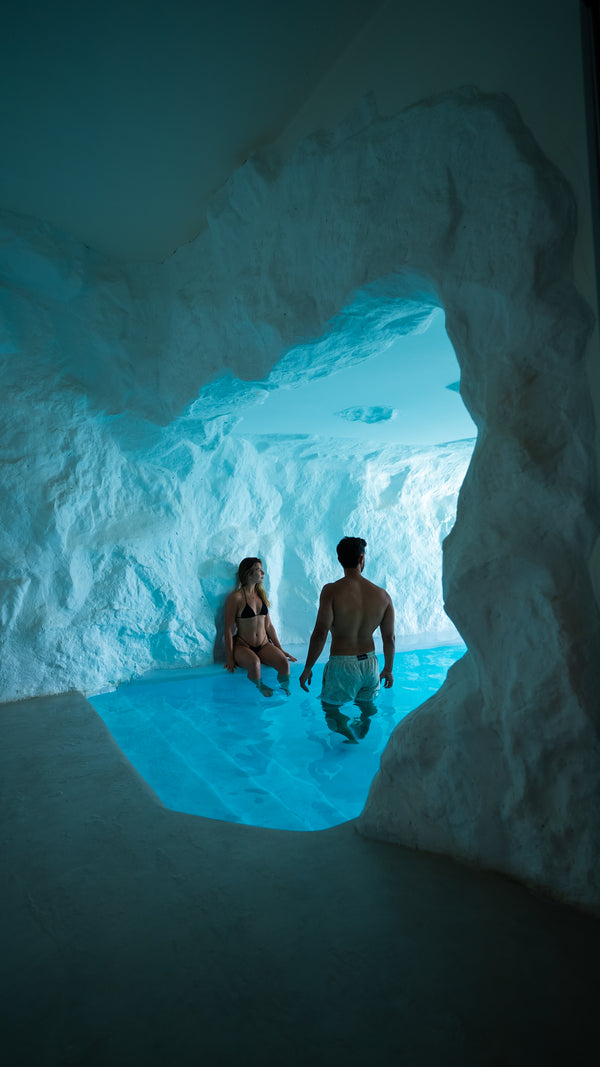



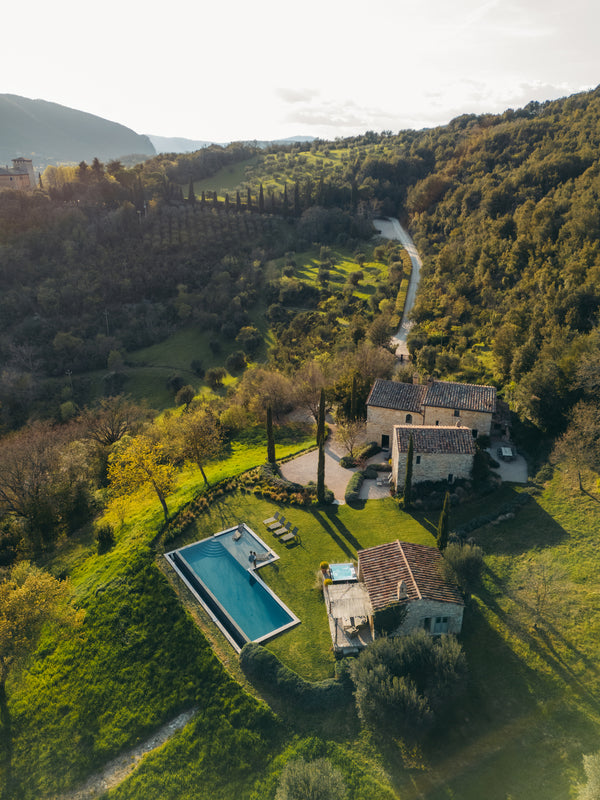

What brands say about my work
Refined, stylish, and aligned with the Cavo Tagoo identity. The content elevated our brand presence.
 Hotel campaign
Clean, sharp, and creative use of DJI gear. The content was on point and showed exactly what our products can do.
 Brand content
High quality work that reflects the standard of Waldorf Astoria.
 Hotel content
Thank you for creating such beautiful content, we are truly blown away with how you've captured our resort.
 Resort content
Common questions
Quick answers before you start. Anything else? Message me.
I've never edited anything. Is this for me?
Yes, that's who it's for. We start from opening the software for the first time. No experience needed.
DaVinci looks way too complicated.
It looks that way the first time. We skip everything you don't need, and you'll be editing within the first lessons.
Do I need to buy DaVinci Resolve Studio?
Not to start. You can begin with the free version and follow the course. A few tools I show need Studio, and I point them out when we get there.
I shoot on my iPhone, not a pro camera.
Everything here works with phone footage too. I show you what changes when your footage isn't shot in log.
My computer isn't that powerful.
In the project settings lesson, I show you the settings I use when working with 4K footage.
What exactly do I download?
The raw footage of the reel, my LUT packs, my sound effects pack and Essential Motion, my effects pack for DaVinci Resolve. Everything you need to follow every lesson.
Will I just watch it and forget everything?
That's why you edit with me on the same footage, with a task in every lesson. You learn by doing, and you finish with a reel you made.
Will this help me edit my own footage?
Yes. The reel is where you practice. Cutting, color, text and sound work the same way on your own footage, and the LUTs and sounds are yours to use on it.
Is the course in English?
Yes. I recorded this course in Hebrew, the language I teach in best. To give you the same clear explanations in English, every lesson was carefully translated and narrated with an AI recreation of my own voice. The teaching, examples and project are exactly as I created them.
Can't I learn this on YouTube for free?
YouTube teaches you one tool at a time. Here you go from opening DaVinci for the first time to a finished reel, in the right order, with my raw footage and a task in every lesson. You learn how a reel is put together, not just where the buttons are.
Your first reel starts today.
The course
- 22 video lessonsAbout 2 hours, from the first click to the export
- My raw footage from SiargaoThe same Sony and DJI files I edit in the lessons
- A task in every lessonSo every tool you learn sticks
The included color course
- Color Grading in DaVinci Resolve20 lessons, about 2 more hours
The editing packs
- Cinematic LUTs packPlus the Underwater LUTs
- Film LUTs pack
- Lifestyle LUTs packPlus the Black and White LUTs
- Mobile LUTs packSubtle looks for phone footage
- Log conversion LUTsFor cameras Resolve's color transform doesn't cover, like the DJI Mini and Osmo Pocket
- Cinematic SFX packThe sounds from the sound design lesson
- Essential Motion for DaVinci ResolveBeniz Speed Ramp, Beniz Shake, animated titles and more
My four LUT packs and Cinematic SFX pack sell for $179.59 separately. They're included here, along with log conversion LUTs and Essential Motion.
One-time payment. Secure checkout.