
![ColorFlow - Color Grading Plugin (Resolve Studio / Premiere Pro / AE) [MAC]](http://maorbenezri.com/cdn/shop/files/colorflow.png?v=1781974569&width=2000)
ColorFlow - Color Grading Plugin (Resolve Studio / Premiere Pro / AE) [MAC]
Pairs well with
Instant Delivery
Creator Support
Instructions included
ColorFlow - Color Grading Plugin (Resolve Studio / Premiere Pro / AE) [MAC]
If you have any questions, you are always welcome to contact us. We'll get back to you as soon as possible, within 24 hours on weekdays.
-
Shipping Information
Use this text to answer questions in as much detail as possible for your customers.
-
Customer Support
Use this text to answer questions in as much detail as possible for your customers.
-
FAQ’s
Use this text to answer questions in as much detail as possible for your customers.
-
Contact Us
Use this text to answer questions in as much detail as possible for your customers.
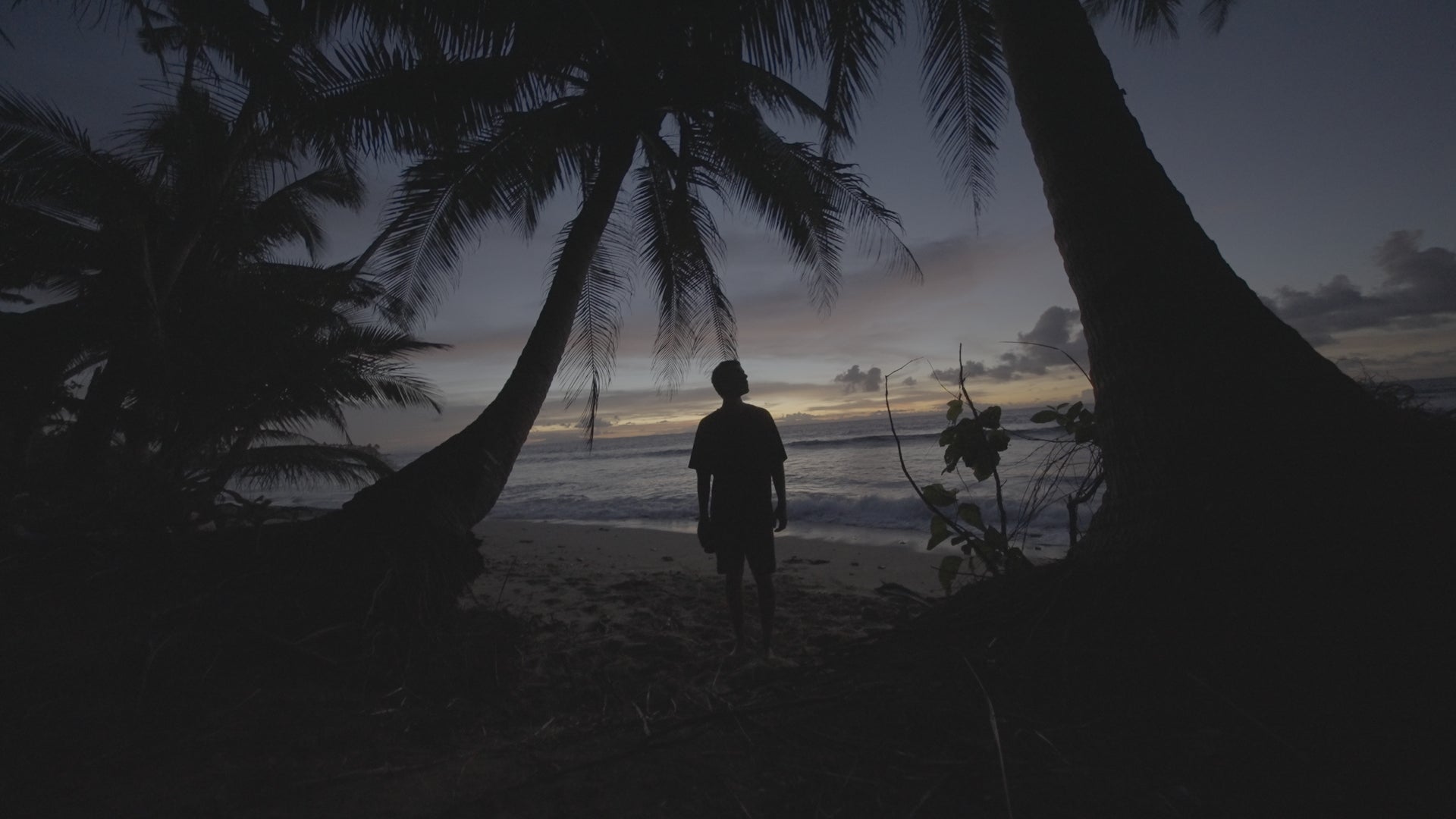
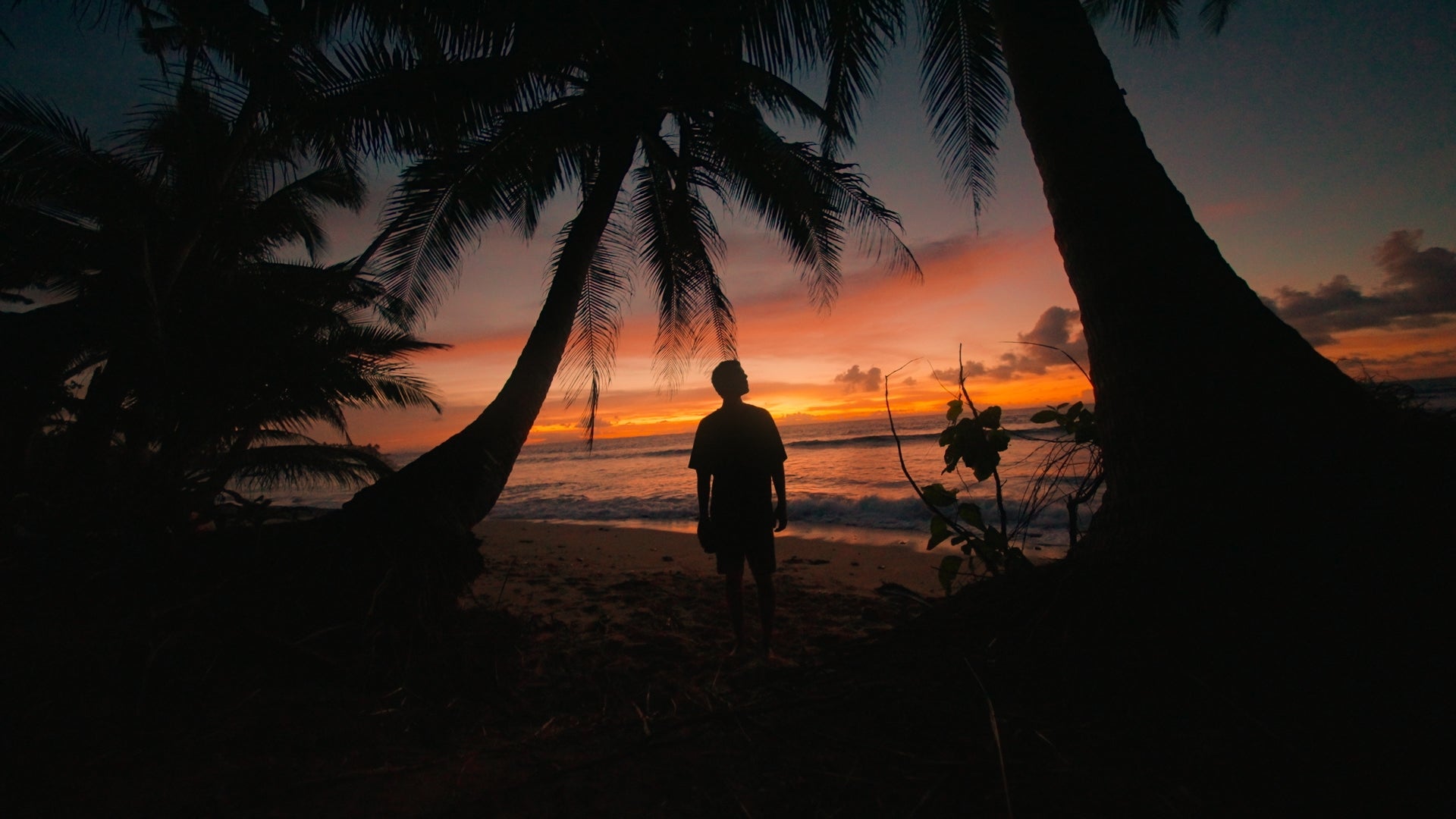
ColorFlow - Color Grading Plugin (Resolve Studio / Premiere Pro / AE) [MAC]
ColorFlow turns flat log footage into a finished, film-grade look without node trees, scopes, or color theory.
Convert from log, pick a look, add the finish. That's the whole grade, on a single node, in one panel.
For DaVinci Resolve, Premiere Pro & After Effects.
For MAC ONLY.
How it works
- Convert — pick your camera and ColorFlow™ decodes log to accurate Rec.709.
- Look — scroll 97 cinematic looks that preview live on your clip, and dial Intensity until it feels right.
- Finish — add film texture in the same panel.
97 looks across 6 packs
Cinematic (27) · Film (34) · Mobile (15) · Lifestyle (10) · Underwater (7) · Black & White (4). Flip through them live with Prev / Next — every look has its own Intensity slider.
The finishing toolkit
Bloom · Halation · Grain · Vignette · Film Density · Film Blur · Film Damage · Split Tone · Drift - the analog details that make footage feel shot on film, all in the same panel.
Shoot anything - 26 log profiles, 10 camera brands
ARRI LogC · Sony S-Log2/S-Log3 · RED Log3G10 & RedLogFilm · Canon C-Log/C-Log2/C-Log3 · Panasonic V-Log · Blackmagic Film Gen 5 · Fujifilm F-Log · Nikon N-Log · GoPro · every DJI body (D-Log & D-Log M) and HLG.
Why ColorFlow
No node trees. No hunting for the right conversion LUT. No stacking four plugins for grain and glow. One panel — convert, look, finish, top to bottom. Just your eyes and an Intensity slider.
What's included
- ColorFlow™ plugin for DaVinci Resolve, Premiere Pro & After Effects
- All 97 looks across 6 packs
- 26-profile log conversion across 10 camera brands
- Full finishing toolkit
- Free updates as the library grows
- Use it on all your own machines
Requirements: macOS (Apple Silicon), GPU-accelerated (native Metal).