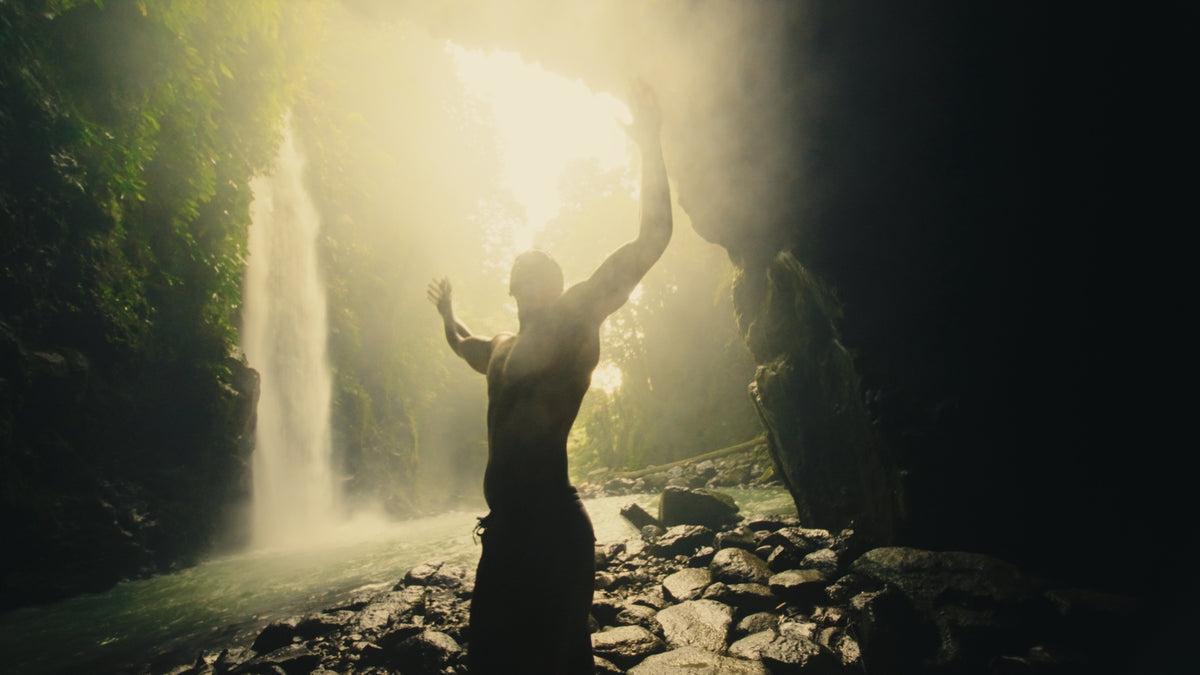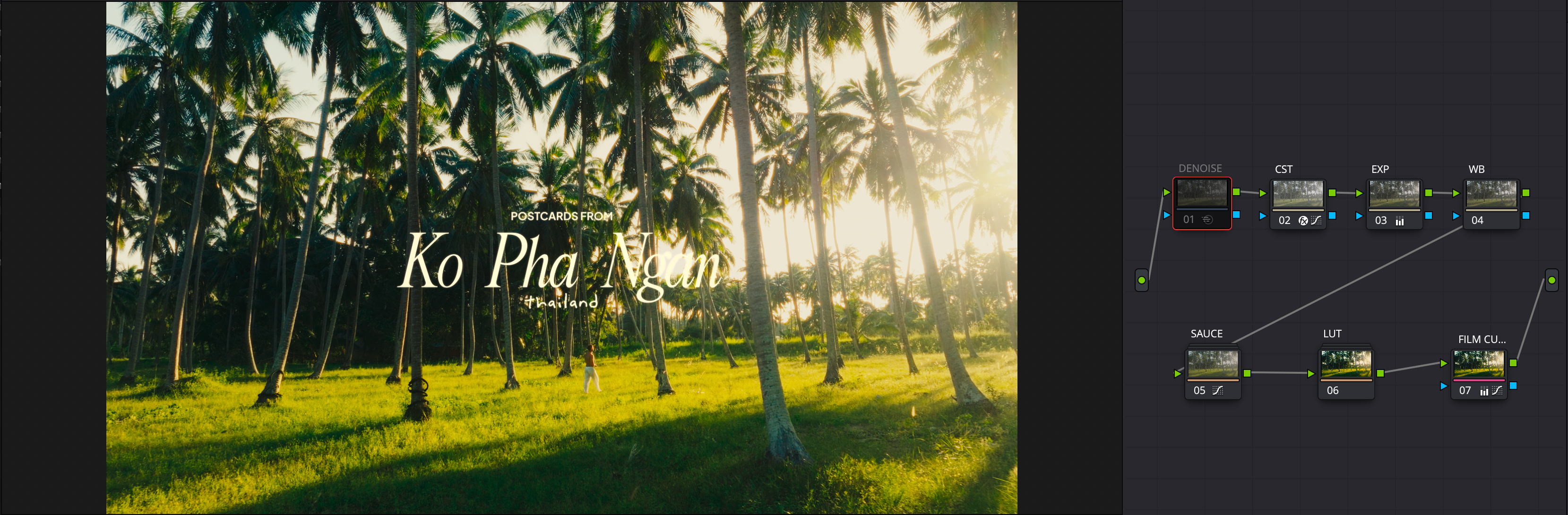
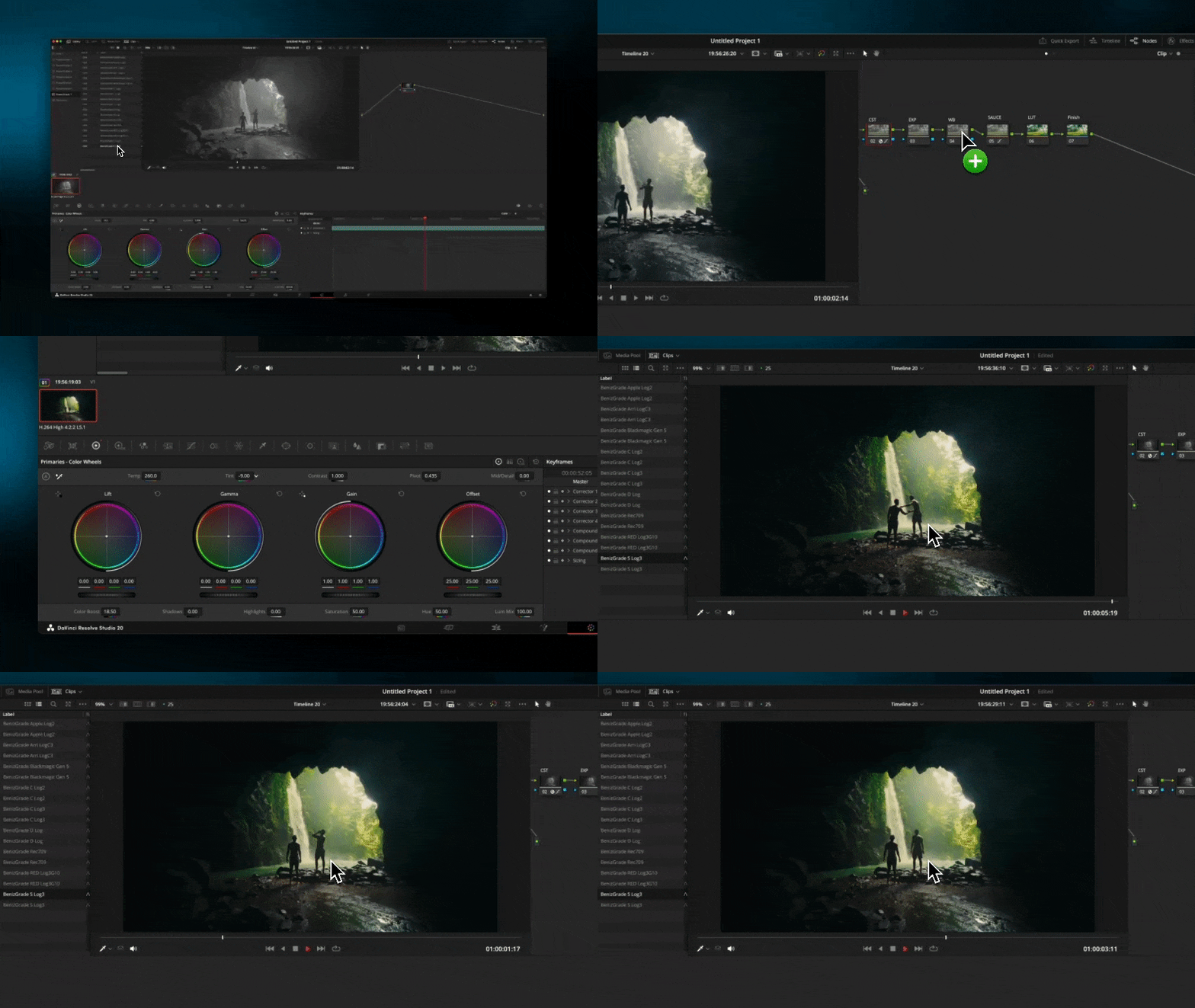
Same clip. Before and after.

Drag the line on each shot to compare.

Before
After
BeforeAfter
Before
After
BeforeAfter
Before
After
BeforeAfter
Before
After
BeforeAfter
In the pack

What's inside.

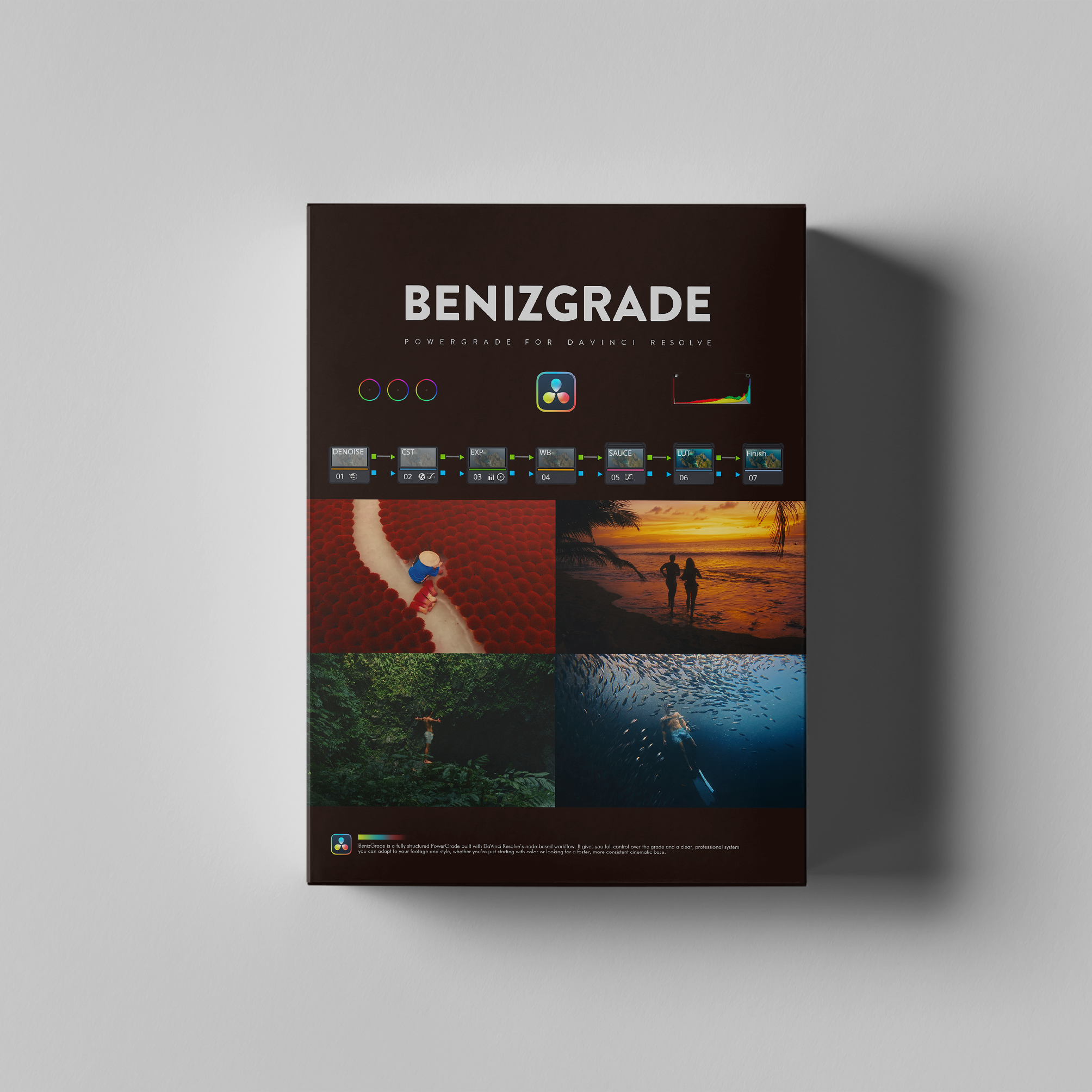
  • BenizGrade PowerGrade for DaVinci Resolve
    A complete PowerGrade with a structured, editable node tree.
    Designed to speed up your grading workflow while keeping full control over contrast, color balance, and overall look.
  • Monitoring LUTs
    LUTs for monitoring and preview purposes while grading.
  • Usage Guide (PDF)
    A full guide explaining how to install and use the PowerGrade in DaVinci Resolve.
  • Video Tutorial
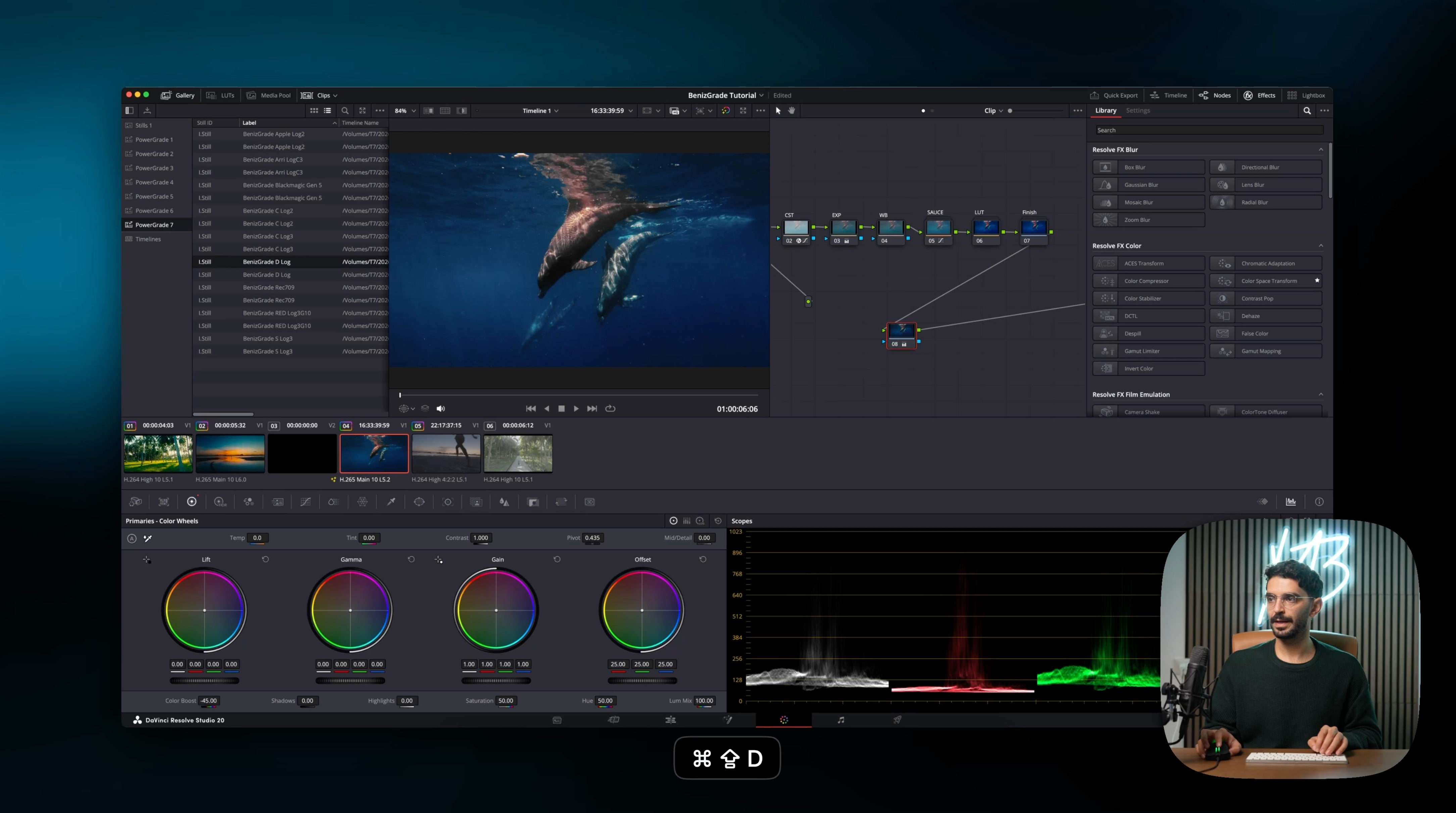
    A 15m video walkthrough covering installation and usage.
PowerGrade for Davinci Resolve - BenizGrade

From download to graded, in three steps.

1

Download

Your files arrive right after checkout, on the thank-you page and by email.

2

Import into DaVinci

The PDF guide and the 15-minute video walk you through the install.

3

Grade with the node tree

Every node is editable, so you keep full control over contrast, color balance and the look.

A full tutorial is included

No experience needed. Watch once and you'll know how to use every tool in the pack.

The Powergrade + Cinematic Titles in Action

SHOT ON DJI Mavic 3 Classic
SHOT ON DJI Mavic Air 2
SHOT ON DJI OSMO Action 5
5.0

FAQs

Quick answers before you buy. Anything else? Message me.

What is a Powergrade?

A PowerGrade is a complete color grading setup saved inside DaVinci Resolve.
Instead of applying a single look, you’re applying an entire grading workflow - built from nodes that handle balance, contrast, color separation and finishing.

Think of it as a reusable grading system, not a preset.

Once applied, every part of the grade is visible and fully adjustable.

What makes a PowerGrade better than a LUT?

A LUT applies a fixed result. A PowerGrade gives you the process.

You get access to the full node tree - color balance, contrast shaping, texture and the final look – exactly how I build my grades inside Resolve.

You can tweak, adjust and learn from the grade instead of fighting it.

Apply it, make a few small changes, and you’re left with a cinematic base that actually holds up.

How do I install all the assets?

With your purchase, you’ll receive a PDF guide with detailed instructions on how to use your assets effectively.

Compatibility

BenizGrade was built and tested in DaVinci Resolve 20.
One node (ColorTone Diffuser) is available only in Resolve 20. If you are using an earlier version, the PowerGrade will still work - this single node will simply be unavailable.

How will I receive my products?

You will receive your order instantly. A download button will appear on the thank-you page after you have completed your purchase. Additionally, you'll receive an email with your downloads which you can access at any time.