
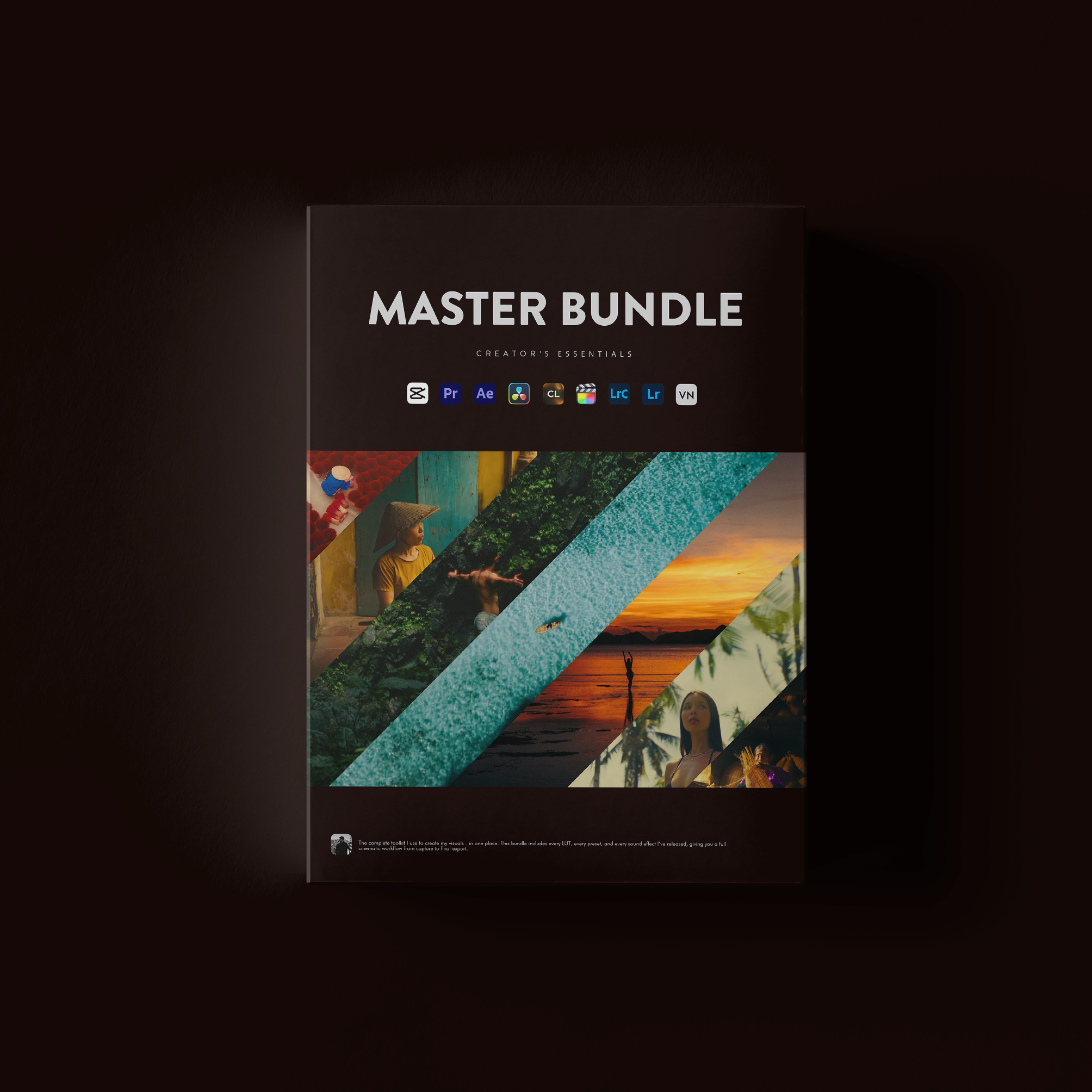
Maor Benezri Creator's Essentials




LUTs that finally look right on your footage.
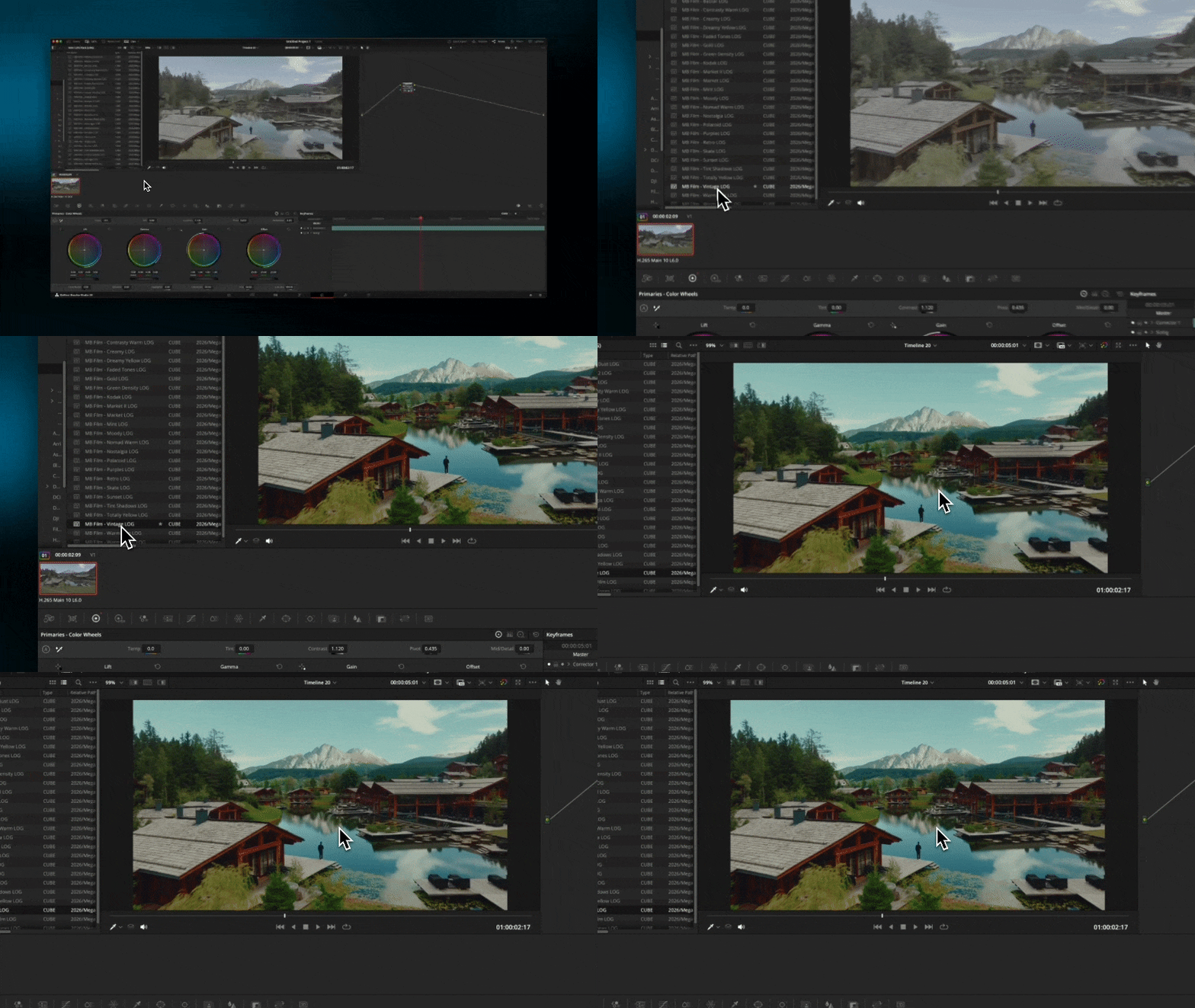
Built for both Rec.709 and LOG, with conversion LUTs and a full tutorial. That's why they work when other packs didn't.
Pairs well with
Instant Delivery
Creator Support
Trusted by 12,000+ Creators
Maor Benezri Creator's Essentials
If you have any questions, you are always welcome to contact us. We'll get back to you as soon as possible, within 24 hours on weekdays.
-
Shipping Information
Use this text to answer questions in as much detail as possible for your customers.
-
Customer Support
Use this text to answer questions in as much detail as possible for your customers.
-
FAQ’s
Use this text to answer questions in as much detail as possible for your customers.
-
Contact Us
Use this text to answer questions in as much detail as possible for your customers.
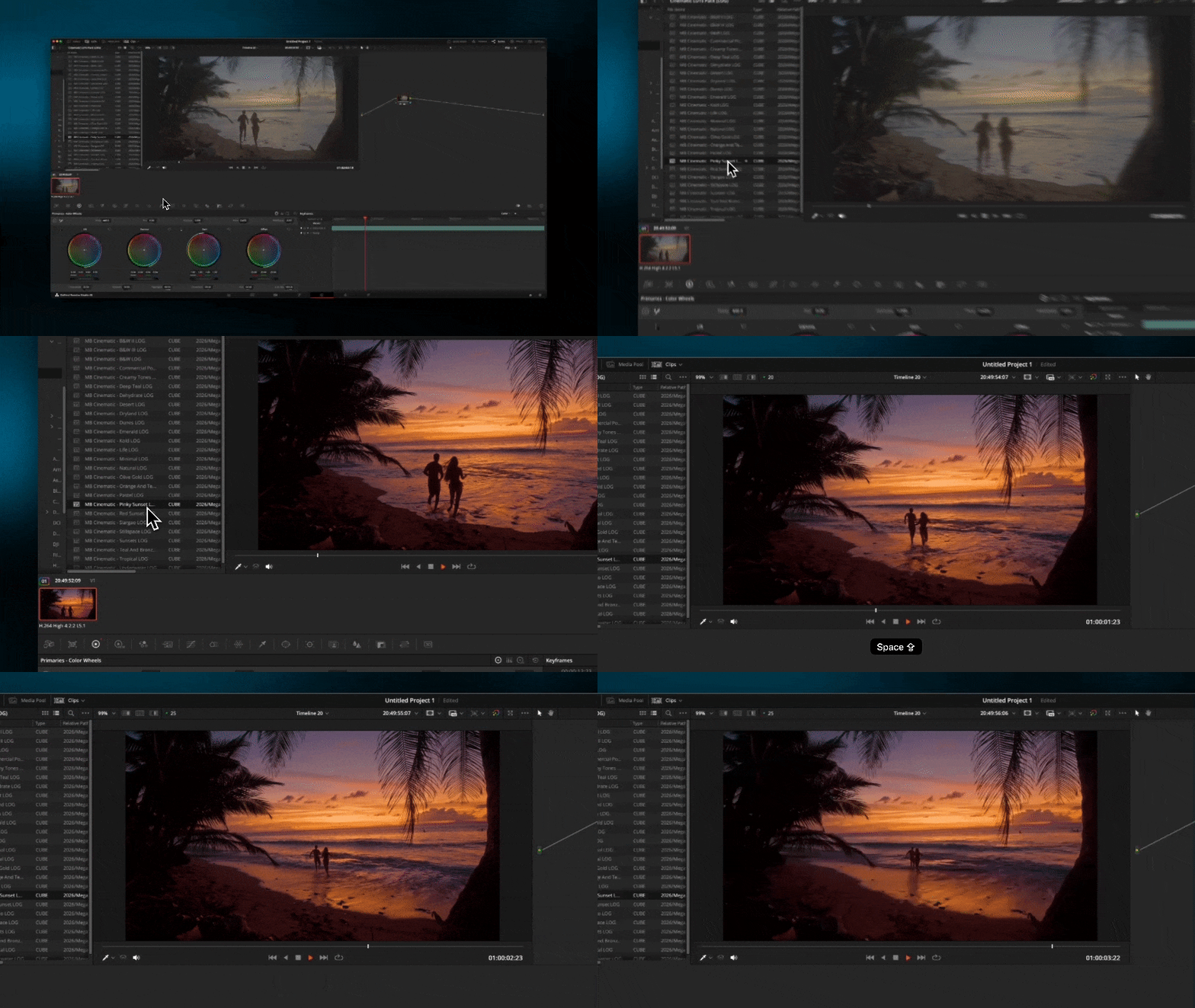
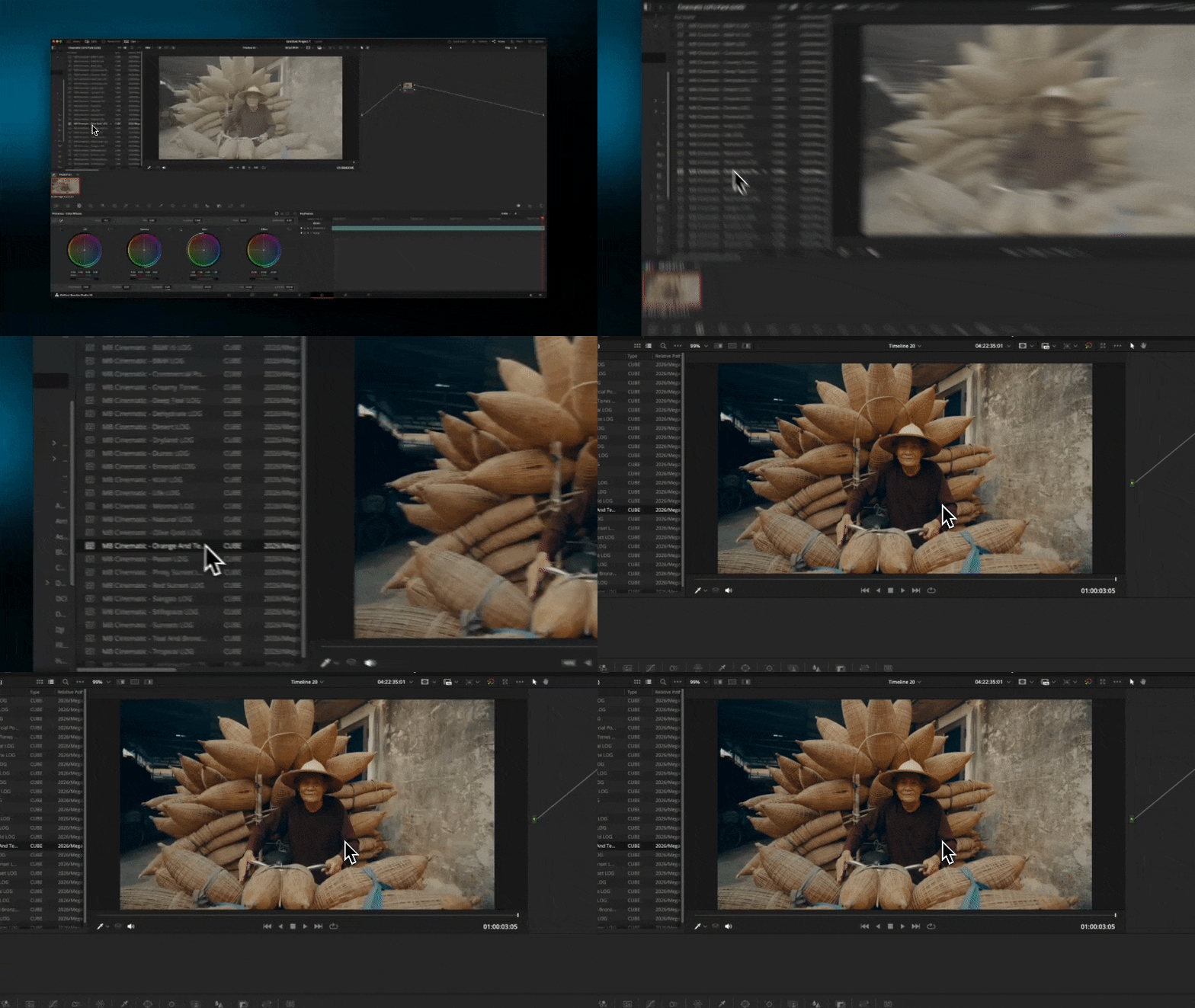
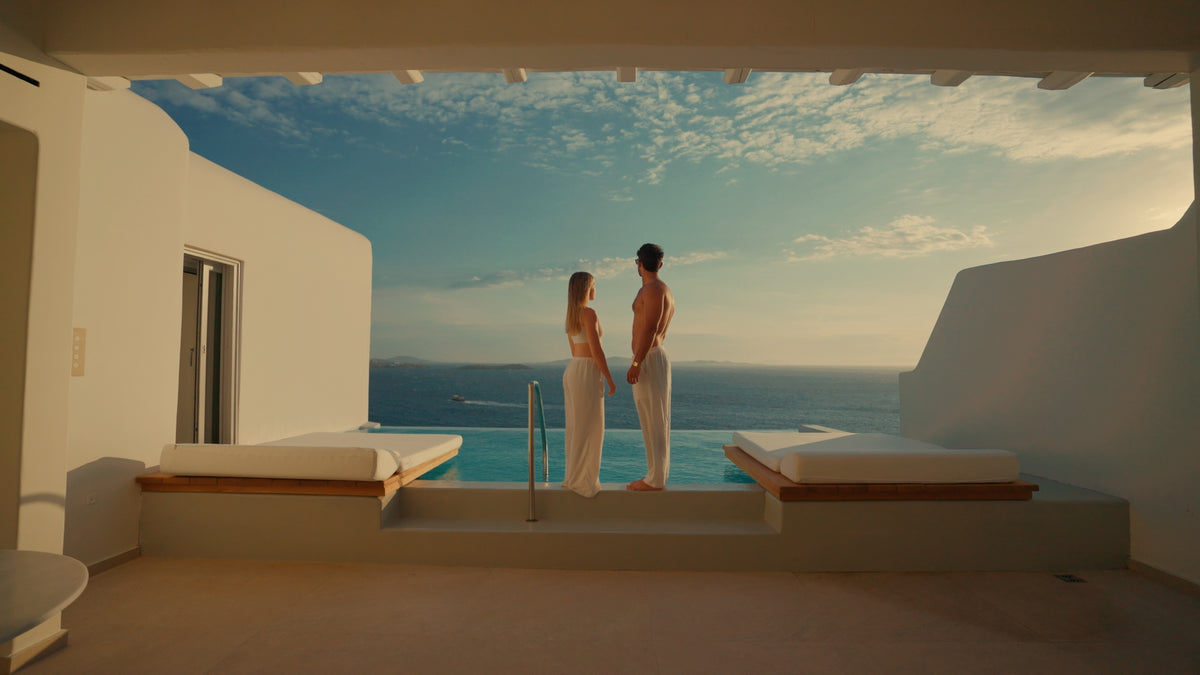
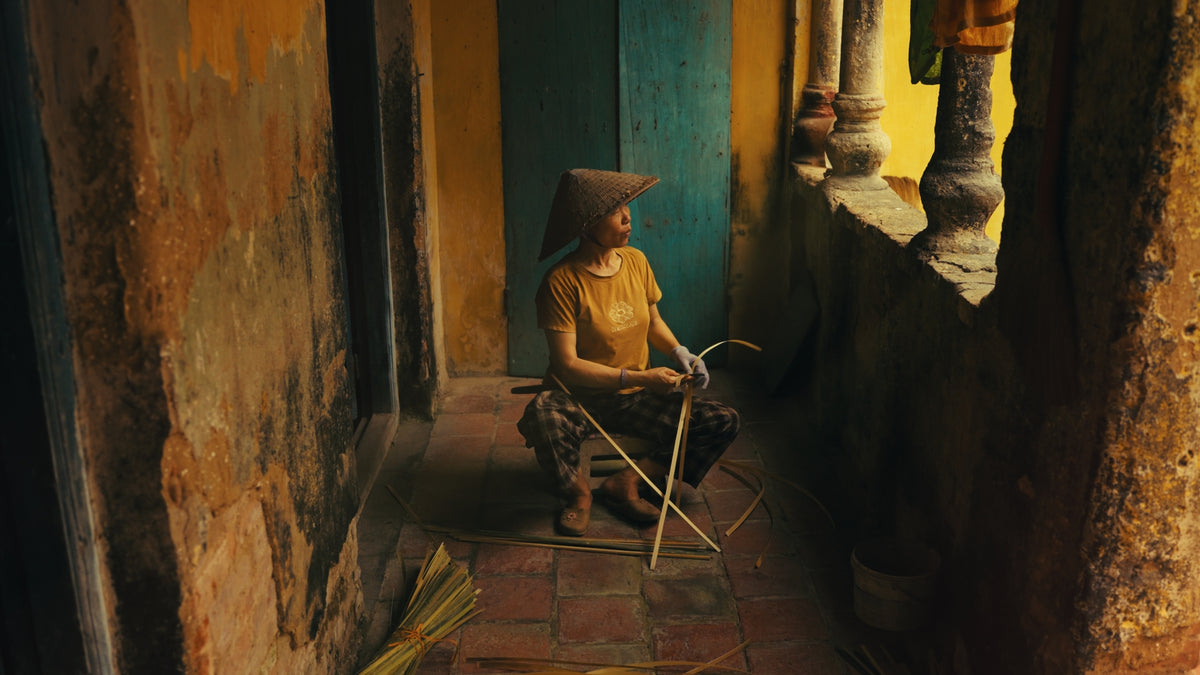
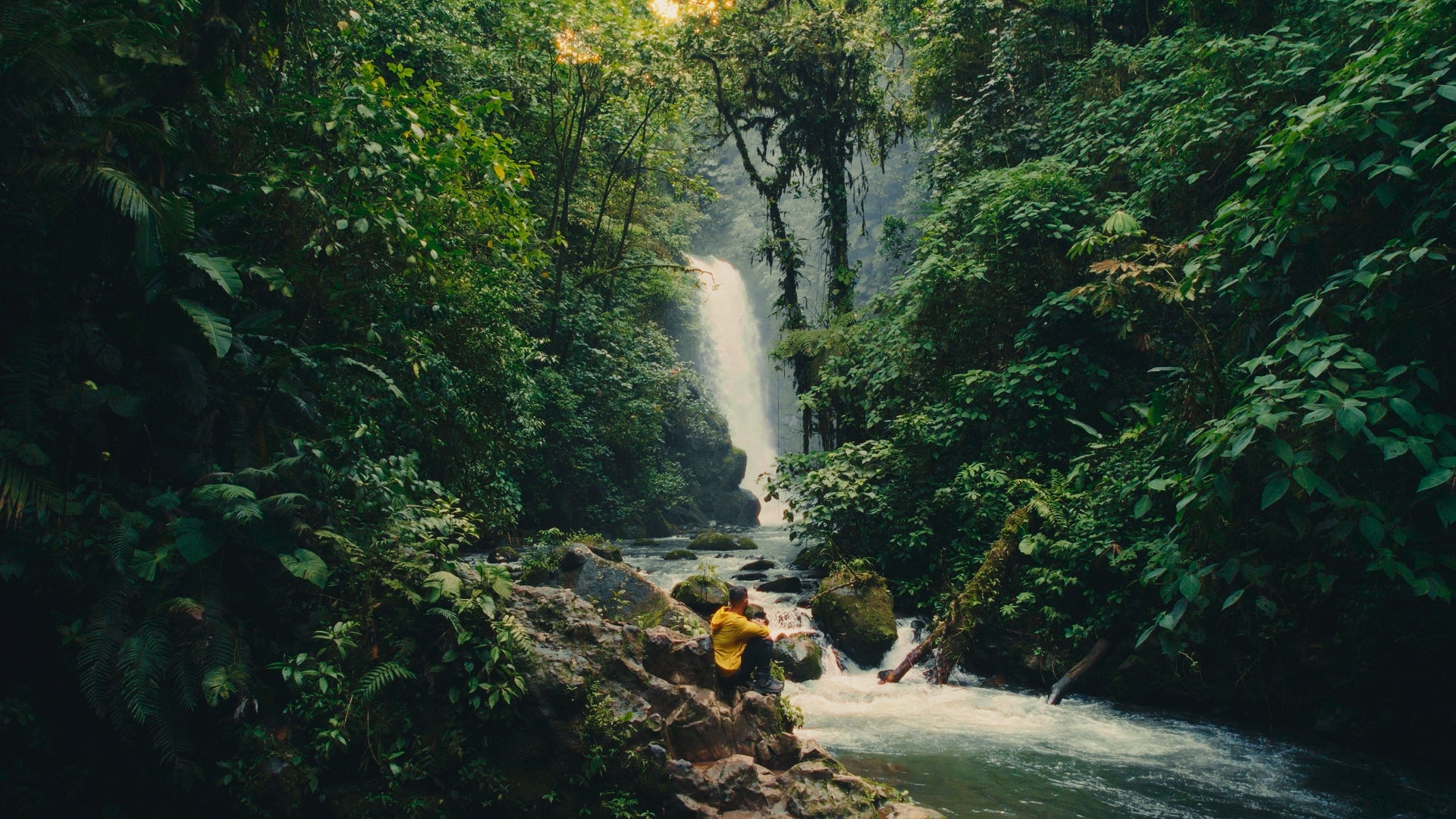
Same clip. Before and after.
Drag the line on each shot to compare.





Included in this bundle
Included in this bundle:


What's included
The full list

TRUSTED BY 12,000+ CREATORS
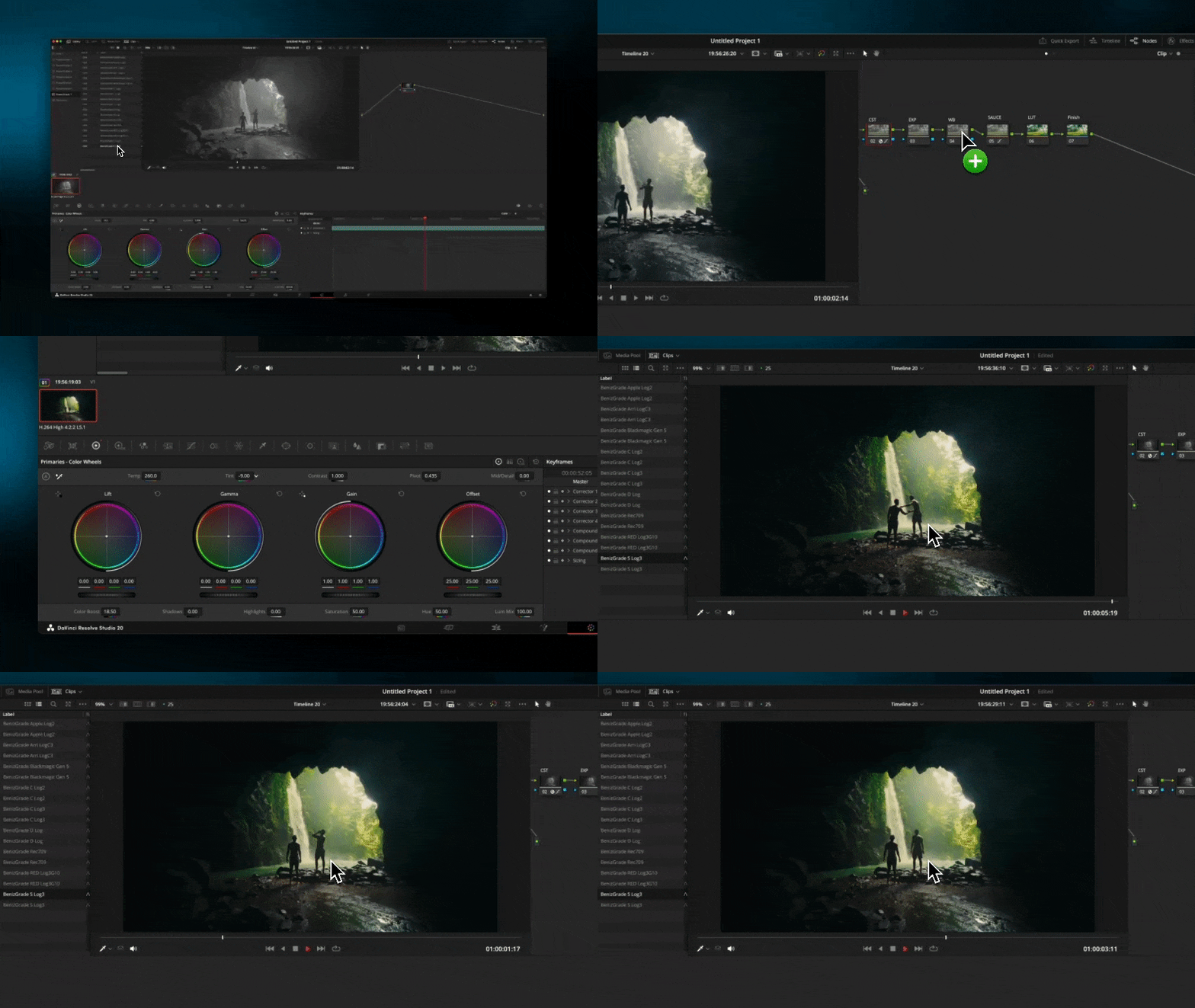
From download to graded, in three steps.
Download
Your files arrive right after checkout, on the thank-you page and by email.
Follow the tutorials
Video tutorials for Premiere Pro, DaVinci Resolve and mobile, plus step-by-step PDF guides.
Dial it in
Adjust the intensity in your editor until it sits right on your shot.
FAQs
Quick answers before you buy. Anything else? Message me.
How do I install all the assets?
With your purchase, you’ll receive a PDF guide with detailed instructions on how to use your assets effectively.
Supported Cameras?
Each LUT or Preset has been tailored to work seamlessly with all cameras, drones and phones.
Supported Software?
You can use the LUTs in any editing software that supports ".cube" files. I have included a step-by-step tutorials on how to import LUTs in the mobile App VN, DaVinci Resolve, Premiere Pro and Final Cut Pro X.
You can use the Presets in Adobe Lightroom & Adobe Lightroom Mobile.
You can use the Powergrade in Davinci Resolve.
How will I receive my products?
You will receive your order instantly. A download button will appear on the thank-you page after you have completed your purchase. Additionally, you'll receive an email with your downloads which you can access at any time.
My footage looks different from your examples. Why?
Lighting, camera settings, and color balance affect how LUTs apply. Try fine-tuning your exposure, contrast, and white balance before applying the LUT.

